How do I set up Excelendar?
Once you have installed the add-in, open the Excelendar tab in the ribbon bar and click on the "Open Taskpane" button. Once the taskpane is opened, you will need to authenticate with your Microsoft account. The add-in will request the following permission scopes: Calendar.ReadWrite and Mailbox.ReadSettings.
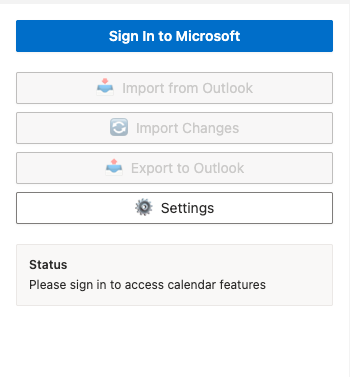
After you have granted the add-in with these permissions, you will be fully authenticated and have full access to all of the add-in's functionality.